Share:

Content and creative

Click any emoji to copy it. Shortcodes included for Slack and GitHub, plus a straight answer on where emoji help your marketing and where they hurt it.
Type what you mean, like "rocket" or "check," or scroll the categories. Search matches the official Unicode name and common nicknames.
One click copies the emoji to your clipboard. Click the shortcode instead if you are writing in Slack, GitHub, or anywhere else that accepts colon syntax.
Captions, subject lines, ad copy, docs, code comments. Check the rendering notes below before it goes in anything customer-facing.
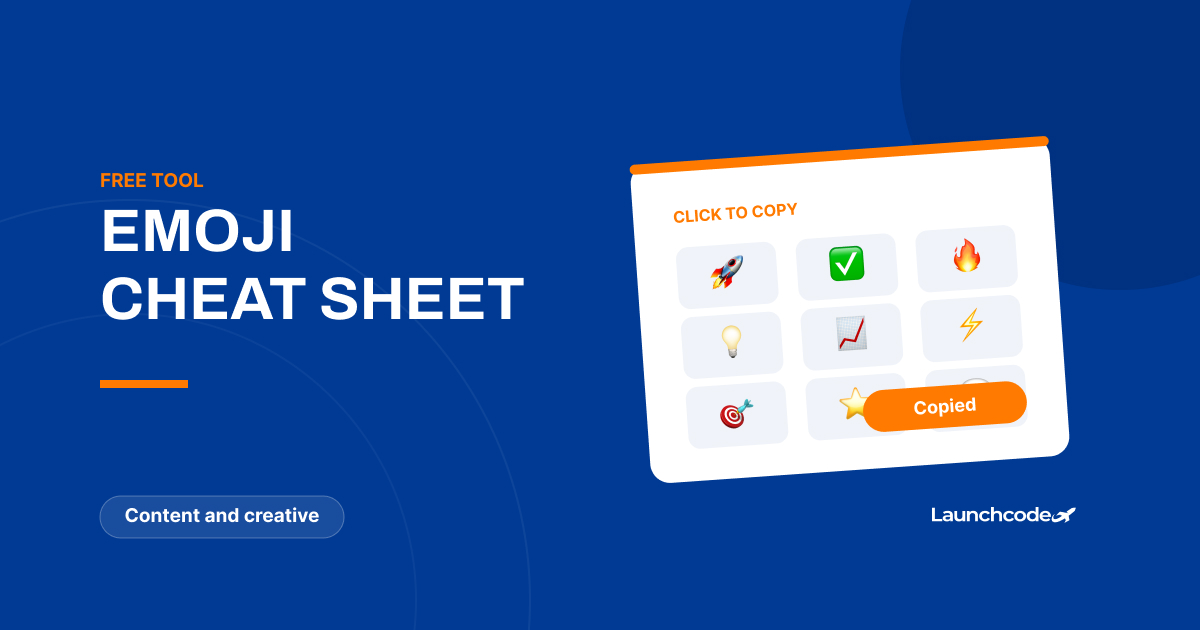


Click any emoji to copy it to your clipboard, then paste it wherever you need it. Nothing installs and nothing is stored.
Every emoji here also shows its shortcode, the colon-wrapped shorthand like :fire: that Slack, GitHub, Discord, Notion, and most developer tools convert automatically. Shortcodes are worth using in those tools because they survive copy and paste between systems more reliably than the character itself.
For marketing work, the symbols group earns its keep more than any other. Checkmarks, arrows, and warning marks carry meaning at a glance in a way that decorative faces do not.
Channel by channel, because the answer is different in each one.
Short answer: no direct effect, occasional indirect one.
Google has been consistent that emoji in title tags and meta descriptions are allowed but carry no ranking benefit. What they do influence, sometimes, is click-through rate, and only when Google chooses to display them at all.
That last part matters. Google decides whether your emoji appears in the snippet. It routinely strips ones it judges disruptive, spammy, or irrelevant to the page, and in some cases substitutes the equivalent word instead. Relevance is the test: a food emoji on a recipe page has a chance of showing, a money emoji on the same page does not.
Practical guidance:
If you are optimizing snippets seriously, the conversion rate of the click matters more than the click itself. A quirky title that pulls the wrong visitor costs you twice.
This is the part almost no emoji page covers, and it is the one most likely to cause real damage.
Screen readers announce emoji by their Unicode name, out loud, every time. A caption ending in five fire emoji is announced as “fire fire fire fire fire.” A bulleted list built from arrow emoji announces the arrow name before every single item.
Four rules that cost nothing:
Emoji in a page title also affect how the tab and the browser history read aloud, which is worth remembering before adding one sitewide.
Every platform draws its own set. Apple, Google, Microsoft, Samsung, and each social platform render the same Unicode character differently, and the difference is occasionally severe enough to flip the tone of a message.
Newer emoji are the real risk. If a character was added recently and the recipient’s device has not updated, it renders as an empty box. That is a bad look in a subject line and worse in an ad.
Two habits fix most of it: stick to emoji that have existed for several years for anything customer-facing, and preview on both iOS and Android before a campaign ships rather than after.


Real stories from the people we’ve partnered with to modernize and grow their marketing.